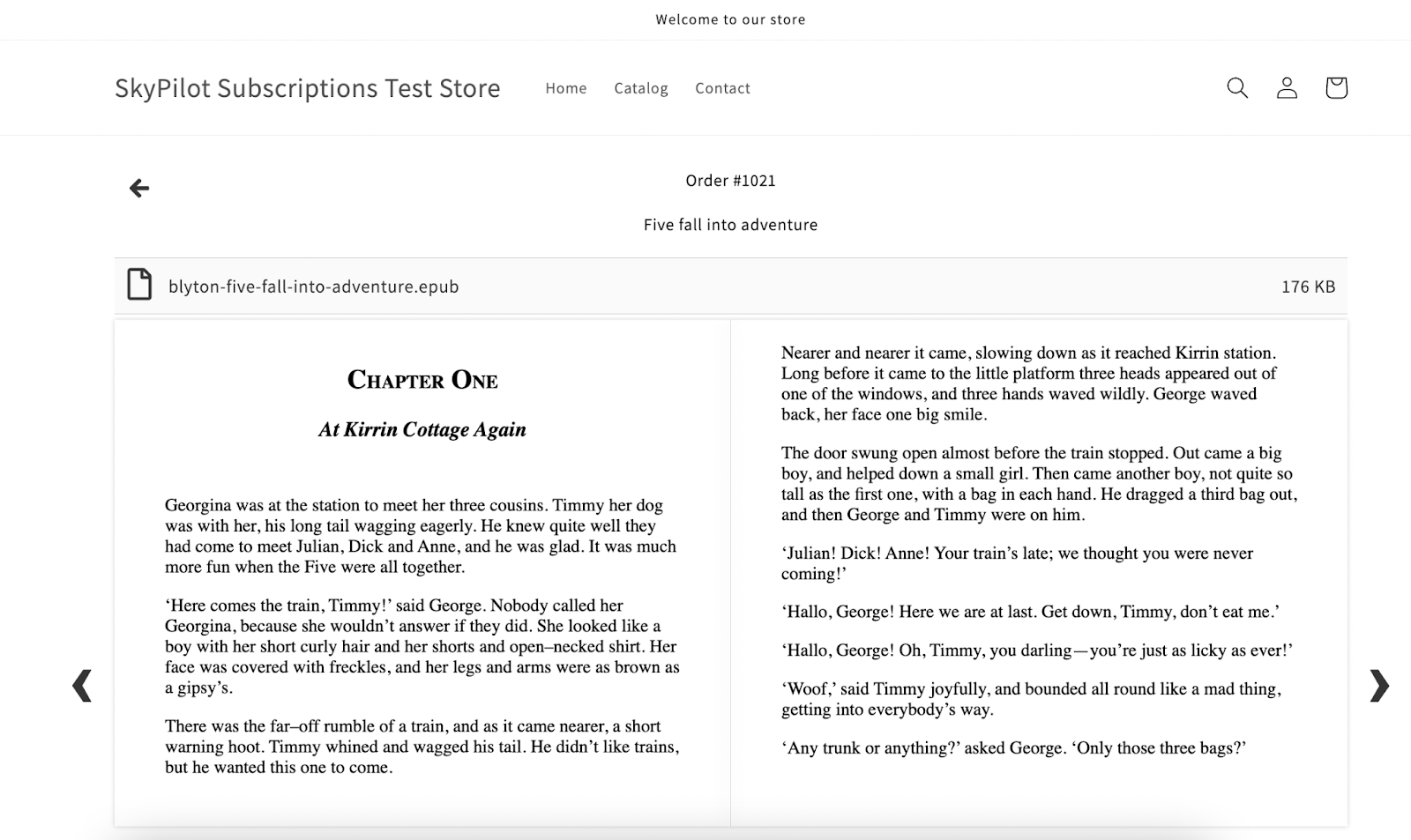
With Sky Pilot, you can now offer your customers the ability to read ePub files directly online, without needing to download them first. This feature provides a smoother reading experience and helps merchants deliver digital books in a more interactive, user-friendly way.
How to get started
1. Ensure you are on theme 1.0.9 or above. Navigate to Settings > Theme and select Add Theme if you are not.

2. Select Customize, find Epub Reader setting and disable downloads

3. Attach your epub to your Shopify product and start selling!
When a customer purchases the product, they’ll receive access to the ePub file right away.